
How to Accept Online Payments in 2026: The Ultimate Guide
15 min read
•
06 May 2026
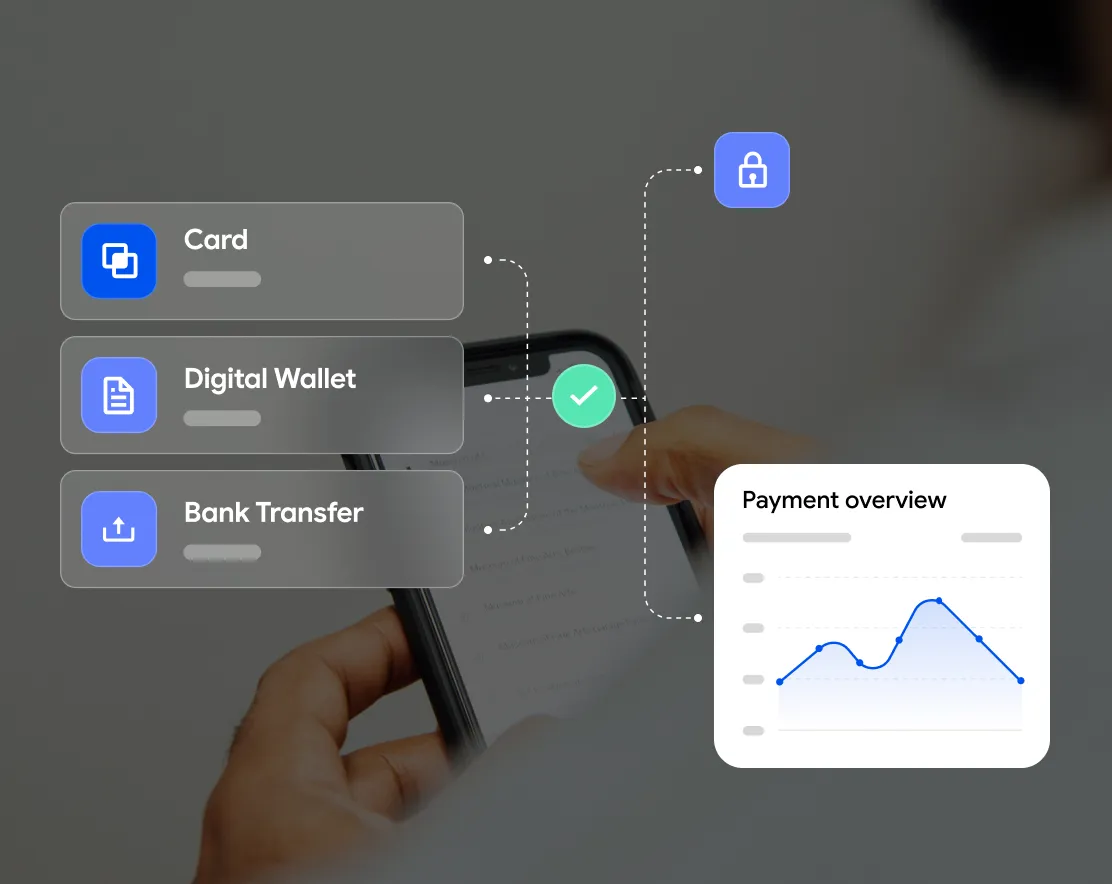


To accept online payments, choose the payment methods you want to offer, sign up with a payment service provider that supports them, add them to a branded checkout page, and test every method before you go live. A full-service provider handles the gateway, processing and security for you, so you don't need a technical background.
As a merchant, you want a smooth, user-friendly checkout that keeps customers' details secure. You also want payments to land in your account quickly and reliably.
After consulting many online business owners, and running a couple of successful ecommerce sites myself, I'll show you how to set up your payment process, what to watch closely and what to avoid.
It can sound overwhelming if this is your first online shop, but there's no need to panic. Follow the steps in this article and the process can be simple and hassle-free.
Accepting online payments is easier than you think
Pay.com is the simplest way to accept online payments. It streamlines the whole process and lets you add new payment methods whenever you want, with no complex steps or hidden fees.
7 steps to accept online payments on your website
1. Choose payment methods for your website
There are many payment methods to choose from, and new ones keep going mainstream as fintech, embedded finance and digital banks grow. Shoppers expect to pay their way, and in 2026 they expect checkout to take less than 10 seconds.
Your first step is to decide which payment methods to offer. It's up to you, but accepting a variety usually helps you reach more customers and improve their experience. People are much more likely to buy when they can use their preferred method.
For the best conversion rates, accept the most common methods first.
Credit and debit cards
Many shoppers still pay with cards such as Visa, Mastercard, American Express or Discover. Cards now account for around 20% of global online purchases. That's less than before, but still essential for most merchants. Each network has its own process and fees, so know exactly what each transaction costs you.
Accepting credit card payments is hassle-free with a payment service provider. You won't need your own merchant account or to manage the payment flow yourself. You also won't have to worry about PCI compliance: Pay.com holds Level 1 PCI DSS compliance, the highest level possible.
Digital wallets
Digital wallets are now the leading way people pay online. More than 5.2 billion people, over 60% of the world's population, use one. Wallets like PayPal, Apple Pay, Google Pay and Samsung Pay capture roughly 53% of global online purchases.
They let customers pay quickly on any connected device without re-entering card or personal details. In today's ecommerce market, accepting digital wallets isn't optional.
Depending on your business and audience, these methods are also worth considering.
A2A (account-to-account) payments
A2A payments let customers pay directly from their bank account, with no card network in between. They're now mainstream: global consumer A2A volume reached roughly $1.4 trillion in 2026.
They usually settle faster and cost merchants less per transaction than cards. If your customers are price-sensitive or you sell in markets with wide open-banking adoption, A2A is well worth offering.
Buy now, pay later (BNPL)
BNPL is now a checkout staple, with global revenue of about $28.44 billion in 2026. Letting shoppers split a purchase into instalments often raises average order value and conversion, especially for higher-priced items. Most providers take on the credit risk, so you get paid upfront.
ACH payments
Some customers don't have a card, or don't feel comfortable using one online. That's where ACH (Automated Clearing House) payments help. US customers can use the ACH network to move money directly from their bank account to yours, with no card or wire transfer.
The ACH network also handles eChecks, which are electronic versions of paper checks.
Direct debit
With direct debit, the customer authorises a business to withdraw a set amount on a regular schedule, such as monthly. It's a great option if you offer subscriptions or memberships. If you only sell one-off products, you can probably skip it.
How to accept multiple payment methods easily
Do you need to open an account with every payment provider and set each one up separately? Luckily, no.
Pay.com is a payment service provider that lets you choose from a wide range of payment methods and add them to your site easily. It gives customers the convenience they want and keeps them coming back.
Click here to get started with Pay.com now!
2. Calculate your fees
Payment fees are part of doing business, so understand them before you start. Read your provider's terms carefully so you know exactly what each transaction costs.
Some providers add their own fees on top of what card companies and gateways charge. To avoid surprises, choose one that's fully transparent about pricing.
Over time, track how often each method is used. That helps you forecast monthly and yearly costs per method. If a method costs more than it's worth, remove it.
Pro tip: transparency works both ways. If you charge customers processing fees, say so clearly on your website. Honesty builds buyer confidence.
3. Set up payment methods on your website
Next, connect your site to every payment method you've chosen.
You can do it the hard way, opening a business account with each provider and integrating each one yourself. If you can handle the bugs and edge cases, that's an option. But it's a hassle, and getting approved for each method can take weeks.
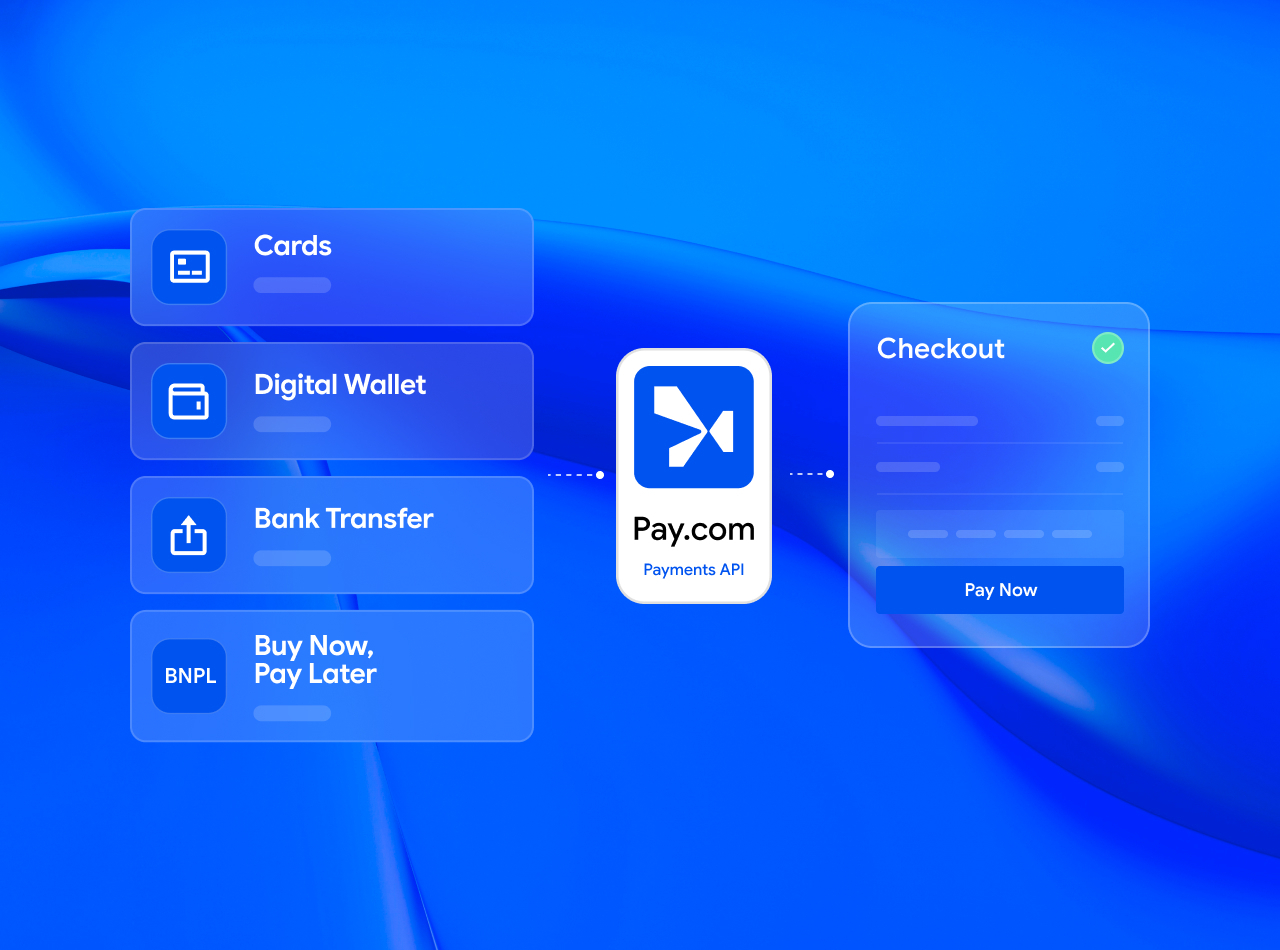
Most ecommerce merchants now use a full-service payment infrastructure that's already connected to the major payment methods. You set up one account and accept as many methods as you like, with no complex setup or separate approvals.
With Pay.com, you just click each payment method you want to add it to your site. You'll also see which customers bought what, how much they spent and when each payment arrived.
4. Customise your checkout
Choose a provider that lets you customise your checkout page. Nothing scares off customers faster than a checkout that looks nothing like the rest of your site. Your logo, branding and colours reassure buyers and keep them moving toward purchase.
Once you're happy with the look, add your payment methods so customers can clearly see their options.
Remember the 2026 baseline: shoppers expect checkout to take under 10 seconds. Anything slower costs you conversions.
5. Automate email confirmations
After paying, customers expect an email with the details of their purchase. Sending these by hand quickly becomes tedious as you grow, so automate it.
Standalone services can send automated invoices and receipts, but a full-service payment infrastructure has this built in. In my experience, having everything on one platform is the most convenient setup.
6. Run test orders
First impressions matter in ecommerce, so test everything before it goes live.
Create test orders and run every payment method through its paces. Think about the different ways people might use your site. Test on desktop and mobile, and ask colleagues or friends to try it too; they'll catch things you miss.
Quick checklist:
- Does your checkout page load quickly?
- Do all payment methods work smoothly?
- Is there any point where a buyer might feel confused about what to do next?
- Do buyers reach a confirmation page after paying, with every payment method?
- Are email confirmations going out correctly?
- Does the site look good and work smoothly on mobile?
Once you've fixed any issues, you're ready to go live.
7. Keep improving
Your site is live and orders are coming in, but the work doesn't stop. Ecommerce changes constantly, and you'll keep working to attract customers by adding products or improving the experience.
Listen to customers and stay close to their changing needs. Experiment with checkout designs, and add payment methods based on what customers actually want.
Fraud is evolving fast too: 98% of fraud leaders now use AI in their daily work, and your provider should be doing the same on your behalf.
Pay.com lets you accept many payment methods and add or remove them with one click, so you can always offer the best experience.
How does online payment processing work?
Understanding how online payments work helps you give customers a better experience. Digital payments reached roughly $26.89 trillion in transaction value in 2026, and most of it flows through the same three building blocks.
Payment gateway
A payment gateway is software on your website. It encrypts the payment details your customer enters and sends them to a payment processor.
Payment processor
A payment processor takes the payment data from the gateway and routes it to the right network: a card network, bank rails, a wallet provider or an A2A scheme. After checking for fraud and confirming the customer has enough funds, it sends you an approval or a decline.
If the payment is approved, the processor works with the network to collect the funds and transfer them to your account.
Merchant account
A merchant account is a business bank account that lets a business receive payments in different ways, including by card.
In the past, this was the only way to accept online payments. Today, a third-party payment service provider lets you skip it.
With Pay.com as your provider, you don't need to set up a gateway, processor or merchant account yourself. We handle the technical side so you can focus on your business.
Click here to create your Pay.com account now!
How to choose a payment service provider
The right provider depends on your short- and long-term needs. Once you know what you want, compare providers on these questions.
Which regions does the provider serve?
It should let you accept payments in the markets you sell to today and any you plan to enter.
Which payment methods are supported?
Customers want choice and a fast checkout. Your provider should support cards, digital wallets, A2A, BNPL and local schemes, so every customer has an option that fits. That improves their experience and your conversion rate.
Can you customise your checkout?
You should be able to design checkout your way: match your brand, edit the copy and add the features you need. You may also want a payments API your developers can integrate into your website or app.
What risk management tools are included?
Accepting payments globally carries real risk. Look for strong verification, AI-driven fraud detection and chargeback protection. With 98% of fraud leaders using AI daily, your provider should already be doing the same.
Is it easy to integrate?
Some providers need developer time to integrate; others offer setups that need no technical knowledge. Pay.com offers both no-code options and developer-friendly APIs, so you can pick the right fit.
What reports and analytics do you get?
The best providers offer a clear analytics dashboard with deep insights. Use the data to grow sales and improve your site's user experience.
What are the costs and fees?
Providers usually charge transaction fees (a percentage of each transaction) or interchange fees (paid to a bank for accepting card transactions). Some also charge setup, usage or monthly fees. Work out each provider's total monthly cost and decide whether it works for you.
What support can you expect?
The best providers are reachable during business hours, and ideally beyond, for issues big and small. Live chat is usually the most convenient. Some also offer a dedicated account manager.
The benefits of using Pay.com as your payment service provider
Pay.com is an all-in-one solution for accepting online payments:
- Fast onboarding: you can start receiving payments right away and add new methods in a few clicks.
- Global payment methods: cards, digital wallets, A2A and BNPL, so you can expand into new markets and update your payment methods as you grow.
- Flexible checkout: customise your checkout page, integrate the Pay.com API into your site, or take payments through other channels like personalised Pay Links.
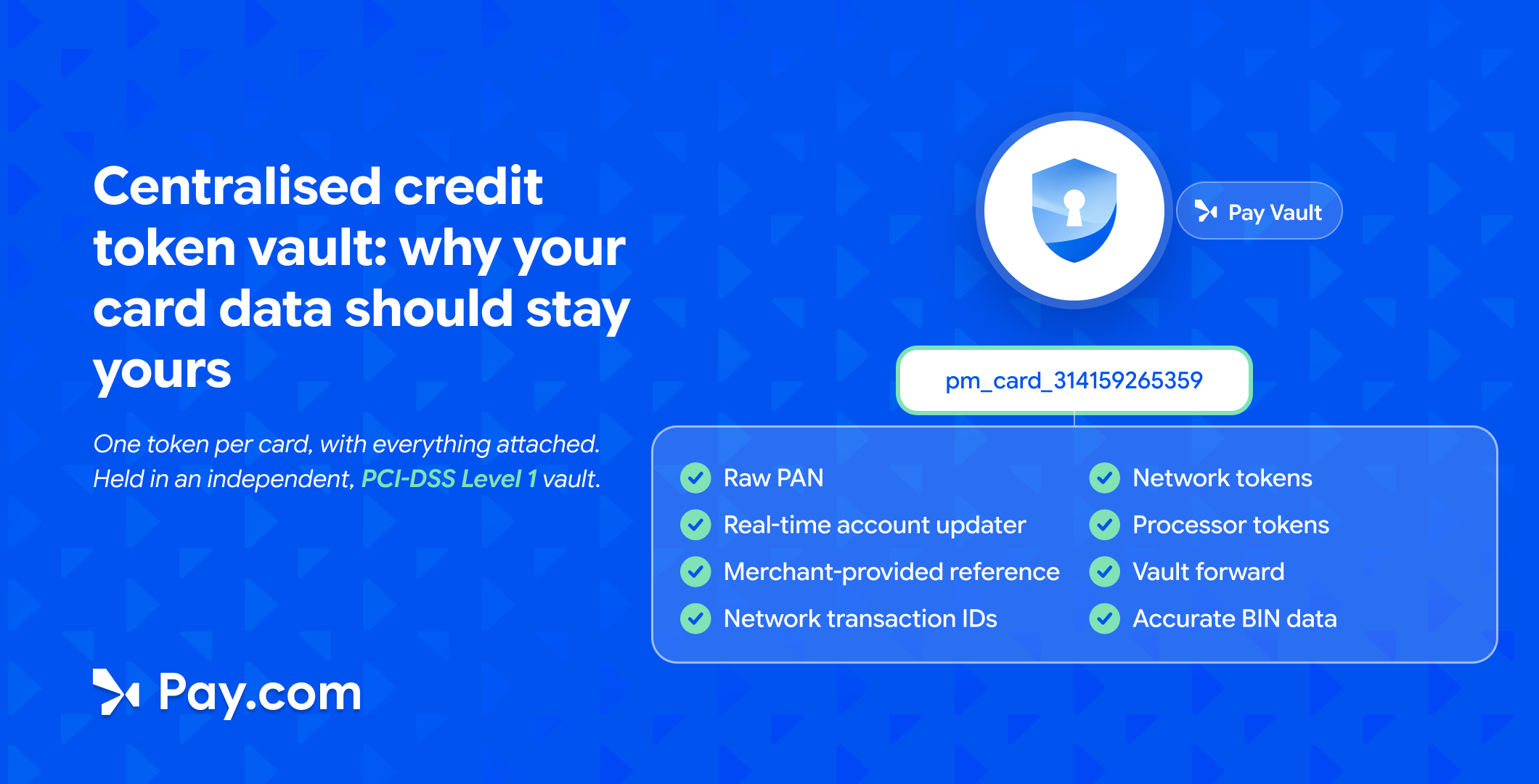
- Security: Level 1 PCI DSS compliance and tokenization protect your customers' payment details.
- Transparent pricing: flat-rate pricing with no hidden fees or unpleasant surprises.
The bottom line: you can easily accept online payments
Accepting online payments doesn't have to be complicated. With the right provider, you can streamline your payment system and give buyers a seamless experience.
Pay.com lets you match checkout to your brand and add new payment methods in seconds. It keeps all your transaction data in one place, giving you full visibility into every payment, so you can focus on growing your business.
Click here to start accepting online payments with Pay.com!
FAQs
How do I set up online payments?
With Pay.com, you complete a simple onboarding process and get access to your dashboard. Select the payment methods you want to offer, and they're added to your checkout page automatically. Click here to get started now!
What are the most popular payment methods?
It depends on your markets and whether you sell to businesses or consumers. ACH transfers are common in B2B. Consumers rely heavily on digital wallets, about 53% of global online purchases, with cards at roughly 20% and a growing share for A2A and BNPL. The mix often varies by local market.
How long does it take for a payment to be processed?
It depends on the method. Card and many wallet payments are authorised in seconds, with funds settling in 1–3 business days. A2A payments often settle the same day, sometimes almost instantly, depending on the scheme.
Are online payments processed on weekends?
Traditional bank rails usually process Monday to Friday, not on weekends or public holidays; payments made then are processed the next business day. Modern instant-payment schemes, including many A2A networks, run 24/7.
What are the fees for accepting credit card payments?
Card companies charge processing fees, but the amount and frequency vary. Many charge per transaction, others monthly, and some both. Fees also depend on your sales volume.
What's the best way to accept payments online?
Pay.com is the best way to accept online payments. Onboarding is smooth, setup is simple, and you can accept a wide variety of payment methods. Strong security and Level 1 PCI DSS compliance protect both your customers and your business.
How do I accept payments without a website?
Pay.com offers several options:
- Send Pay Links by email or text, which open a personalised checkout page.
- Send invoice links with Pay Checkout.
- Enter card details for phone payments in the Pay Virtual Terminal on your dashboard.
What's the safest way to accept online payments?
Use a trustworthy payment service provider. It's easier and safer than handling security and compliance yourself.
Pay.com has Level 1 PCI DSS compliance, supports 3DS2 authentication and tokenizes customers' payment details so they always stay private.
Read next
Get payments insights in your inbox


